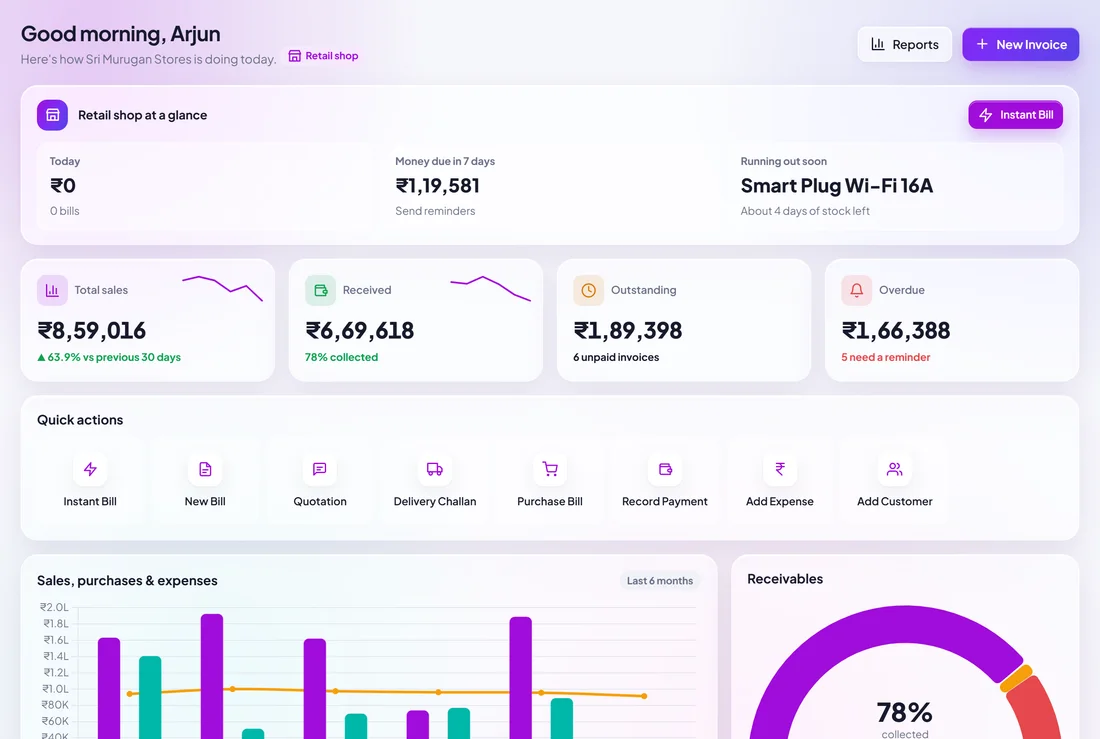
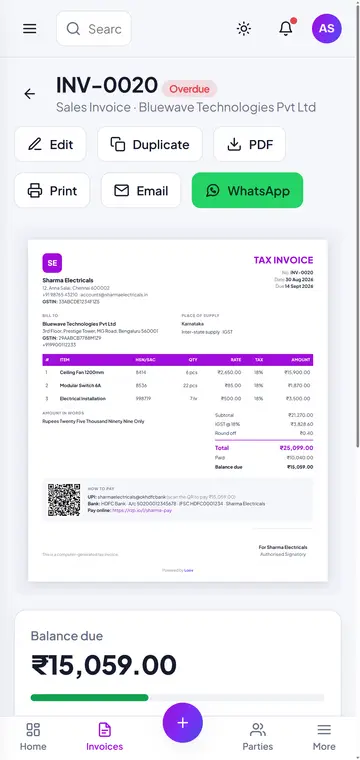
Bill without internet
Sales, receipts and printing keep working.
Power cuts and patchy internet should not stop your counter. Loov Invoice keeps billing offline and syncs your bills, stock and payments the moment you are back online.
Loov Invoice saves every bill on your phone or computer first, then sends it to the cloud in the background. If the internet drops, you keep tapping items, taking cash or UPI and printing receipts. When the connection returns, everything syncs by itself, including stock.
Unlike old desktop software that only lives on one computer, your data is also safe in the cloud and visible on your other devices.
Kirana and retail shops, medical shops, restaurants, market stalls and businesses in areas with weak mobile signal.
Sales, receipts and printing keep working.
Everything uploads when you reconnect.
Offline sales update stock too.
Android app and computer.
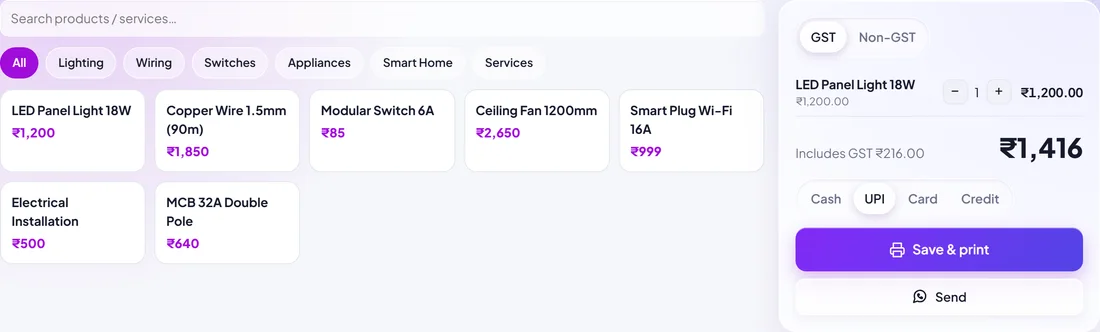
Tap items, choose Cash, UPI, Card or Credit, then print or send. Customer name is optional, and stock updates on its own.
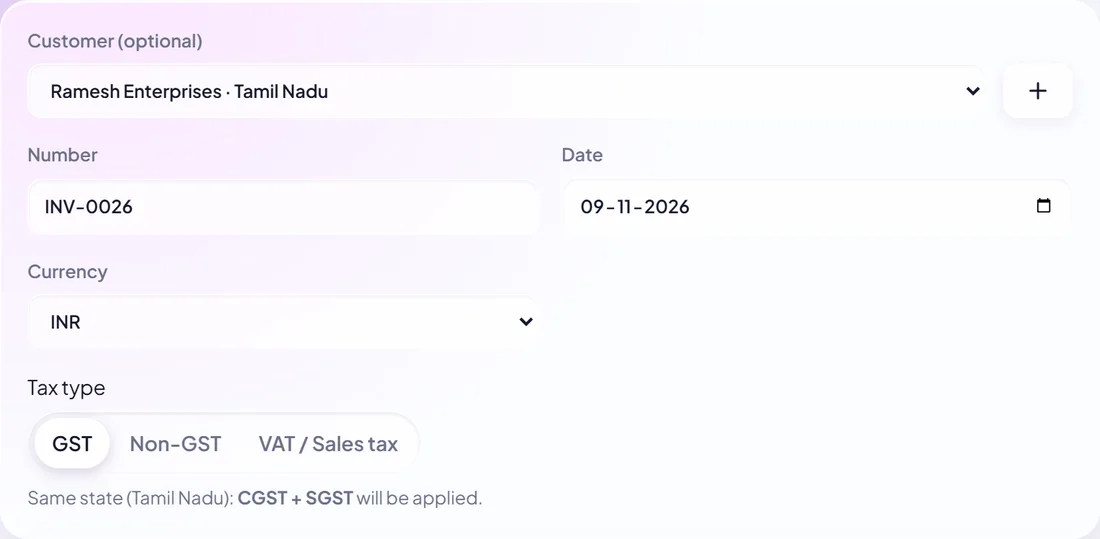
Choose GST and CGST, SGST or IGST is worked out for you. Choose Non-GST and you get a clean bill with no tax.
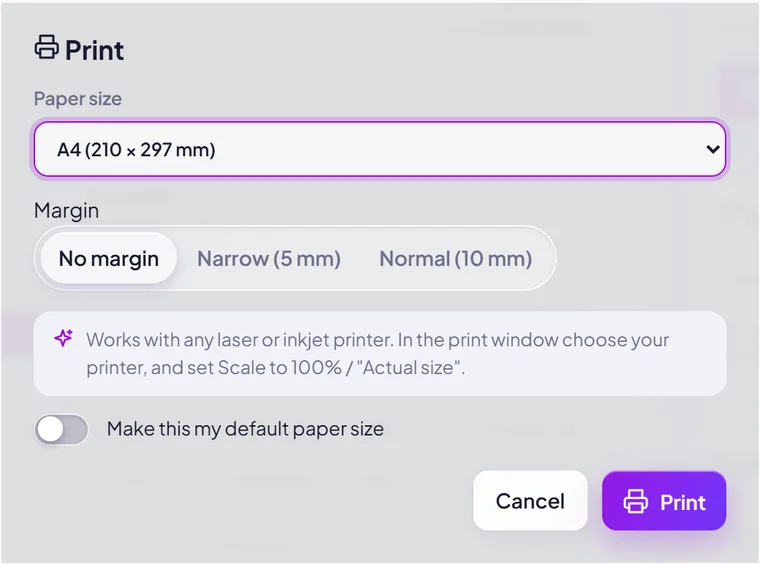
A4, A5, Letter, thermal 58 and 80 mm, even dot-matrix. Choose the size and margin, and it fits.
Yes. GST is worked out on the device, so bills are complete even without internet.
Sending on WhatsApp or email, syncing to other devices and signing in for the first time.
No. They stay saved on the device and sync when it reconnects.
Android, and any web browser on a computer, iPhone or iPad.
Free plan with 10 invoices every month. No card needed.