Linked to the invoice
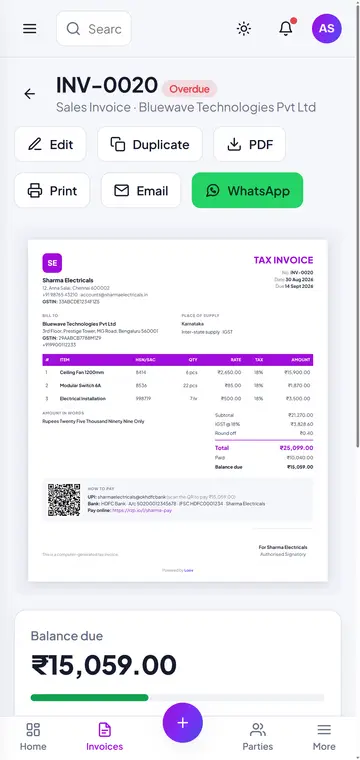
Original invoice number and date on the note.
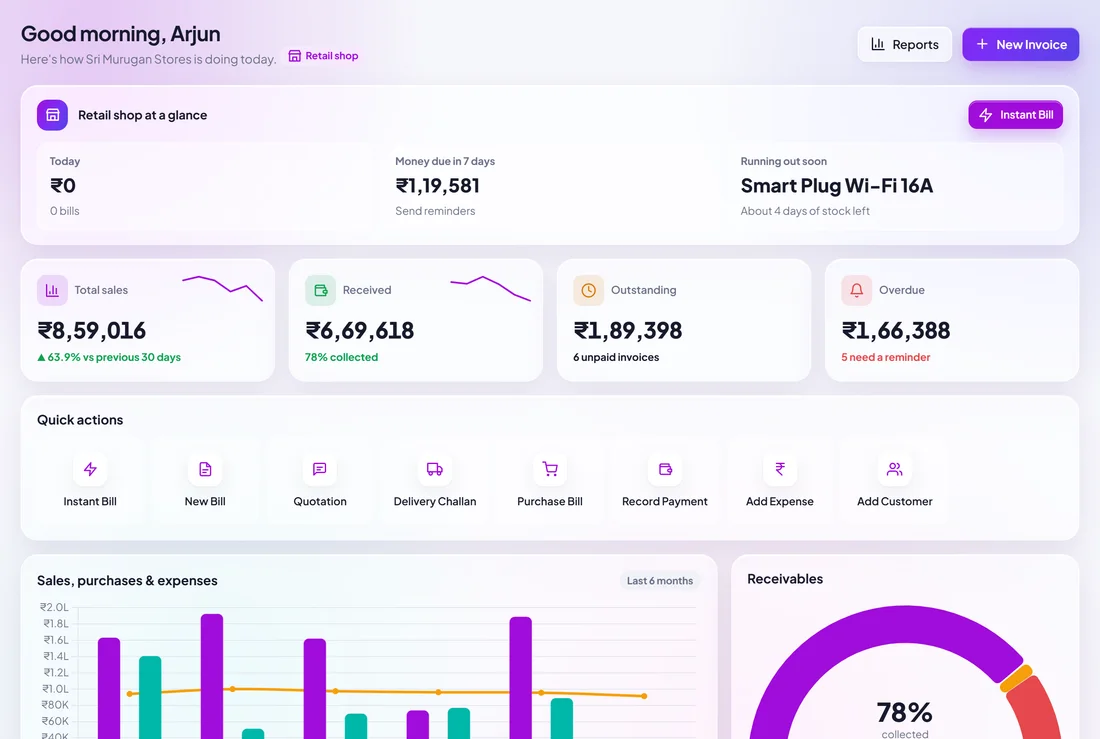
Raise a credit note against any invoice in a few taps. The customer’s balance and your GST summary update on their own.
Original invoice number and date on the note.
The customer ledger updates automatically.
Shows in sales and GST summaries.
For purchase returns to your vendors.
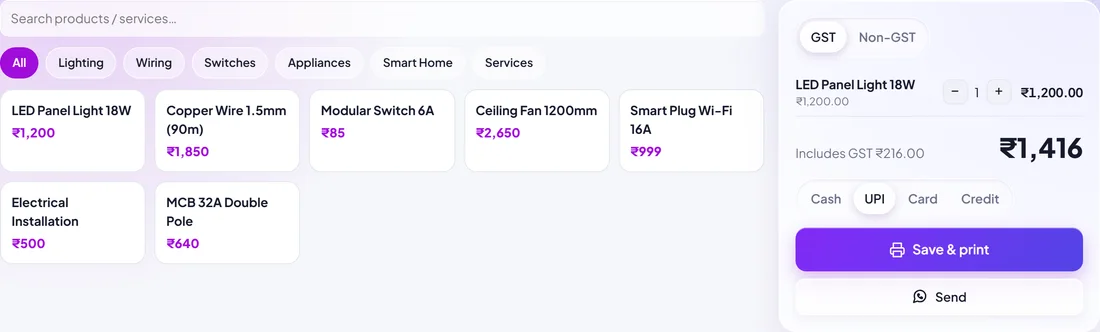
Tap items, choose Cash, UPI, Card or Credit, then print or send. Customer name is optional, and stock updates on its own.
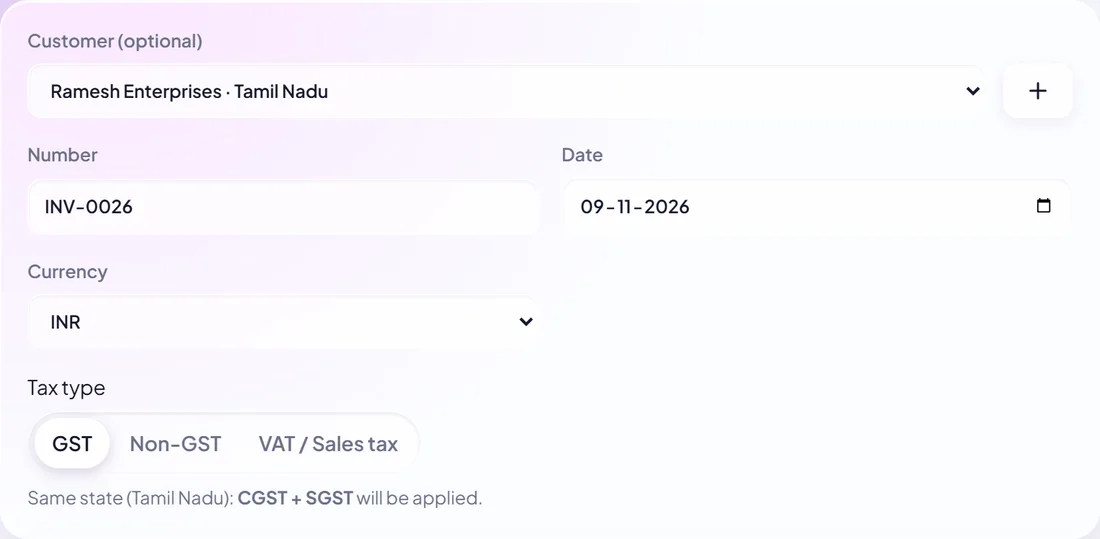
Choose GST and CGST, SGST or IGST is worked out for you. Choose Non-GST and you get a clean bill with no tax.
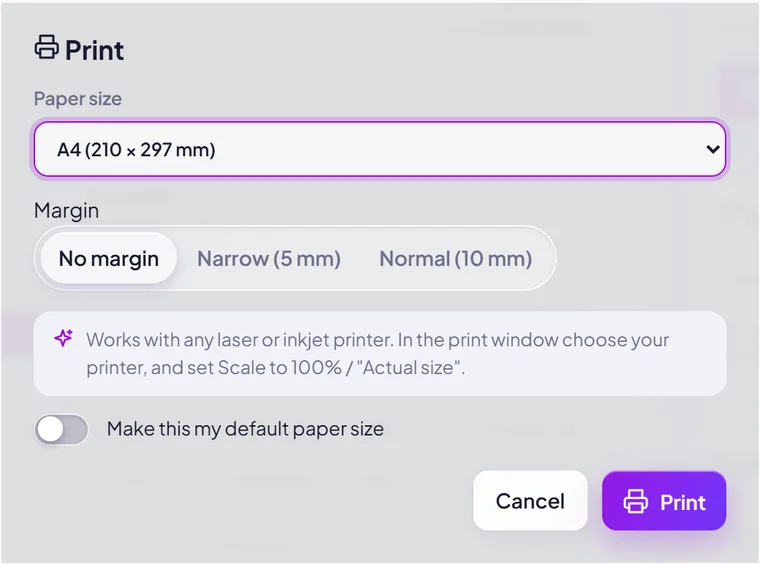
A4, A5, Letter, thermal 58 and 80 mm, even dot-matrix. Choose the size and margin, and it fits.
When goods are returned, the price was charged too high, or you give a discount after the invoice. It reduces the value and the GST of the original invoice.
A seller issues a credit note to reduce what the buyer owes. A debit note increases it, or is raised by a buyer for purchase returns.
Yes. The free plan includes 10 invoices every month, and you can upgrade any time.
Android, and any web browser on a computer, iPhone or iPad.
Yes. Keep billing offline, and your data syncs when you are back online.
Free plan with 10 invoices every month. No card needed.