Nothing to install
Runs in Chrome or Edge on Windows 10/11 and Mac.
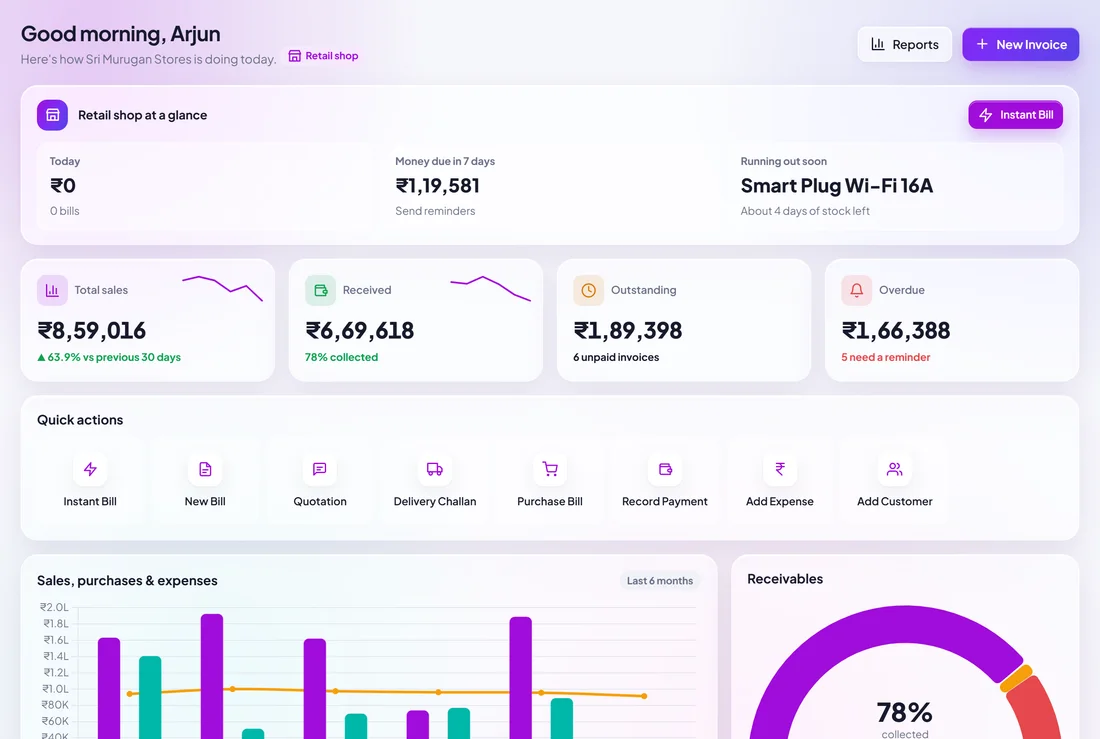
Make GST and Non-GST bills on your computer, print on any printer and keep stock up to date. The same account works on your Android phone, so the counter and the office always match.
Most billing software for PC asks you to download a setup file, install it on one computer and back it up yourself. Loov Invoice runs in your browser instead: open loovinvoice.in in Chrome or Edge, log in, and you are billing. Click Install in the address bar to pin it to your desktop like a normal program.
Your bills are saved on the computer and synced to the cloud, so if the PC breaks or you change it, nothing is lost. The free plan includes 10 invoices every month; Pro removes the limit.
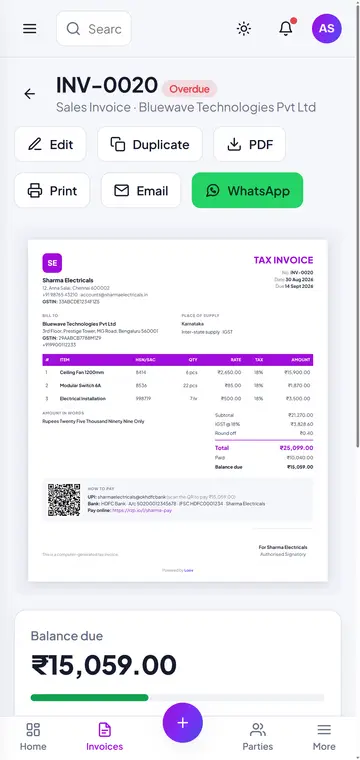
A4 and A5 tax invoices on a laser or inkjet printer, 2-inch and 3-inch receipts on a thermal printer, and quotations, delivery challans and payment receipts. Pick from 18 invoice templates and add your logo, signature and UPI QR code.
Runs in Chrome or Edge on Windows 10/11 and Mac.
Laser, inkjet, thermal and dot-matrix.
Android app with the same login.
Automatic sync and daily backups.
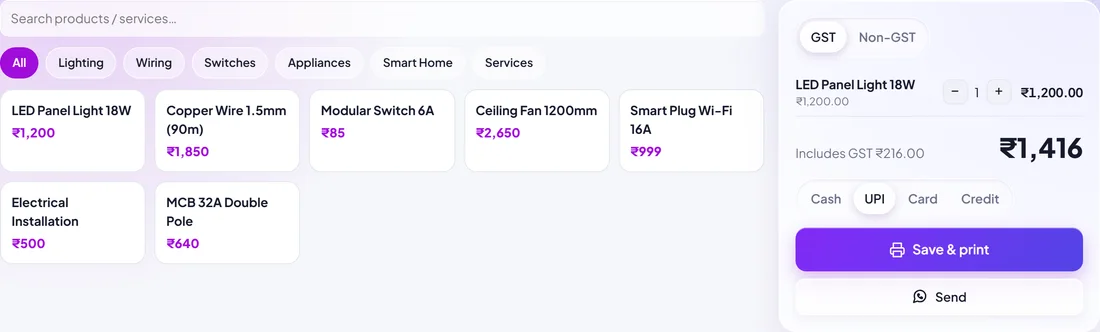
Tap items, choose Cash, UPI, Card or Credit, then print or send. Customer name is optional, and stock updates on its own.
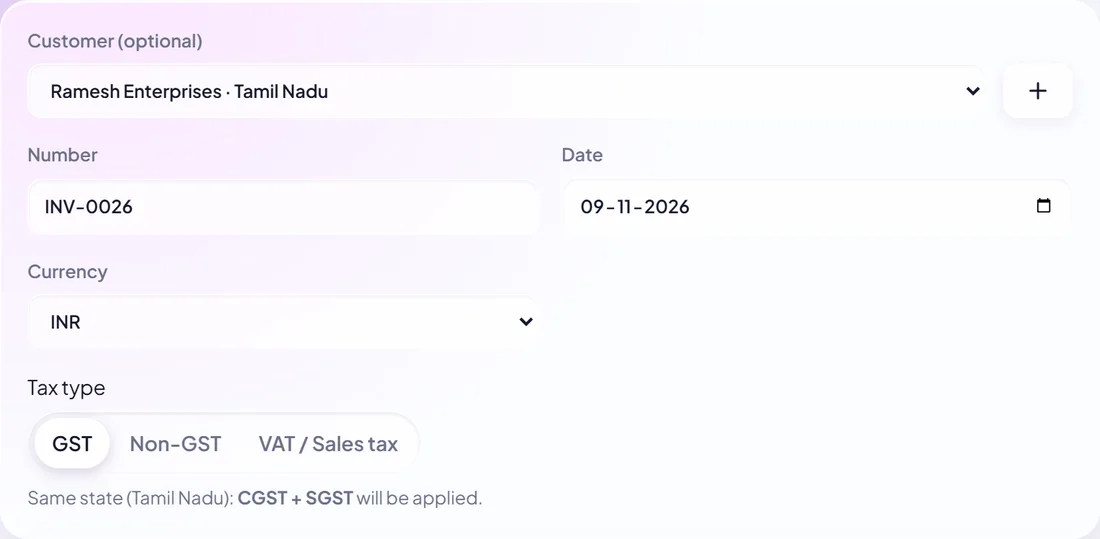
Choose GST and CGST, SGST or IGST is worked out for you. Choose Non-GST and you get a clean bill with no tax.
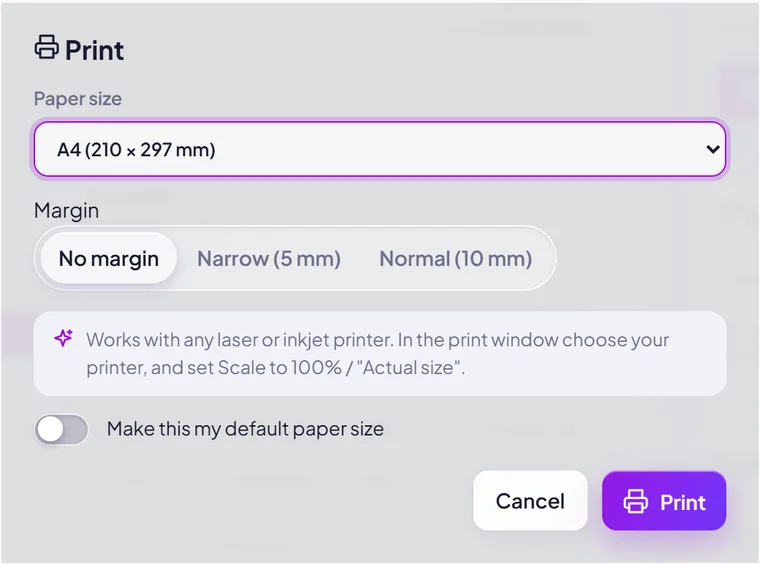
A4, A5, Letter, thermal 58 and 80 mm, even dot-matrix. Choose the size and margin, and it fits.
Yes. Loov Invoice is free for 10 invoices every month on PC, laptop and Android, with every template and GST calculation.
Yes. It needs only a modern browser such as Chrome or Edge, not a powerful computer.
Yes. Log in on both; your bills, customers and stock stay in sync. Pro includes 3 users.
Yes. Keep billing offline, and your data syncs when you are back online.
Free plan with 10 invoices every month. No card needed.