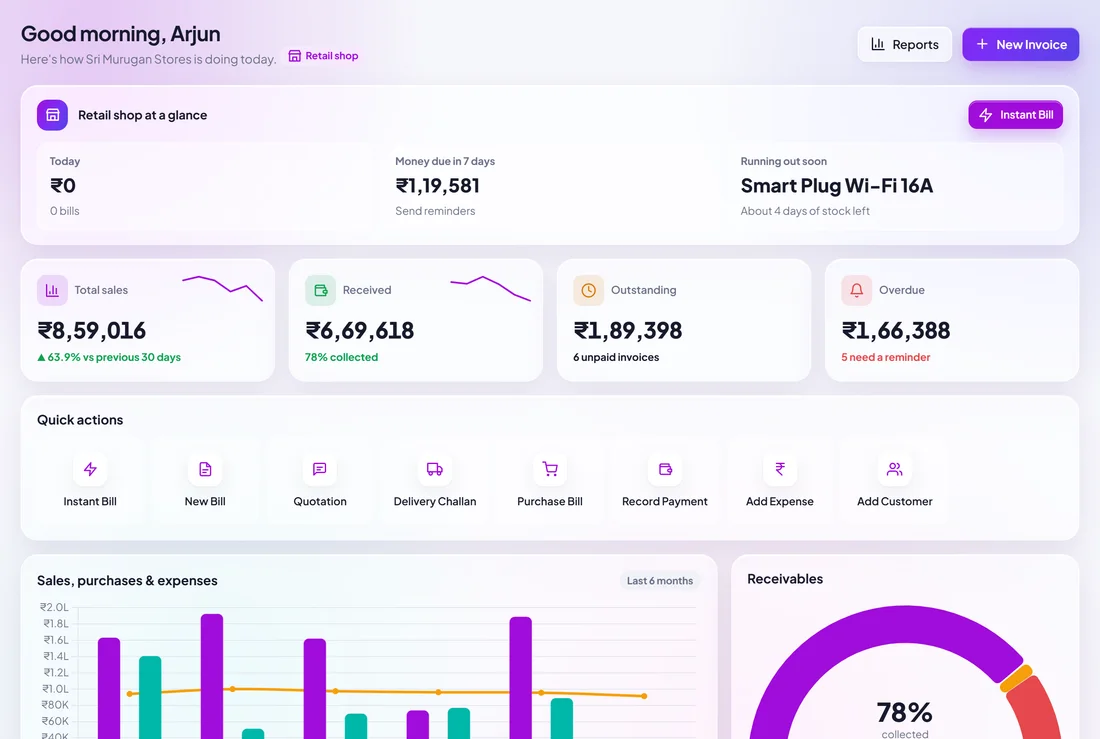
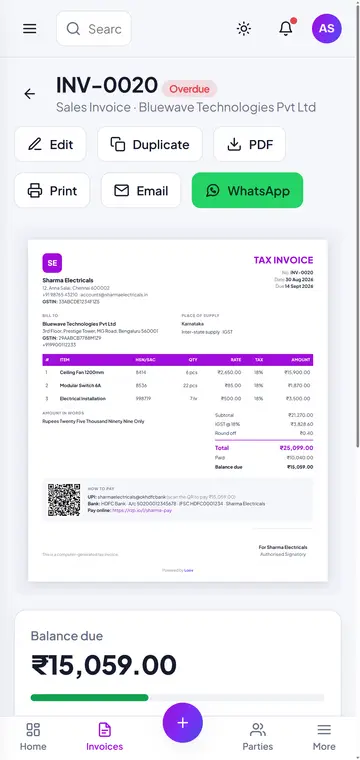
All GST fields
GSTIN, HSN/SAC, place of supply.
Download our free GST tax invoice template for Excel, or skip the formulas and make a correct GST invoice with UPI QR in 30 seconds in the app.
Download GST invoice format (Excel)
The template has every field a GST tax invoice needs: your name, address and GSTIN; invoice number and date; customer name, address, GSTIN and place of supply; item description, HSN/SAC, quantity, rate, taxable value; CGST, SGST and IGST; the total; and bank details with a signature. Formulas calculate the tax and totals for you.
Excel is fine for a few invoices a month, but numbering, GST splits, customer details and reports all have to be managed by hand, and a wrong formula is easy to miss. With Loov Invoice, the place of supply decides CGST + SGST or IGST automatically, invoice numbers never repeat, and GSTR-1 is ready at month end. It is free for 10 invoices a month.
GSTIN, HSN/SAC, place of supply.
Tax and totals calculate.
No formulas to manage.
Get paid faster.
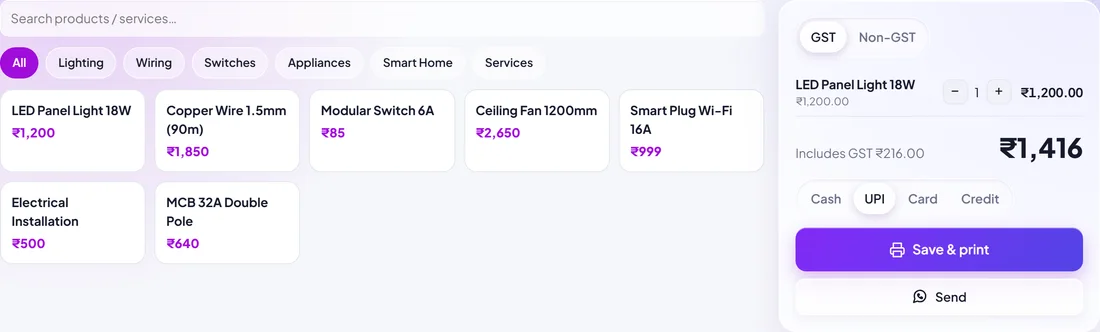
Tap items, choose Cash, UPI, Card or Credit, then print or send. Customer name is optional, and stock updates on its own.
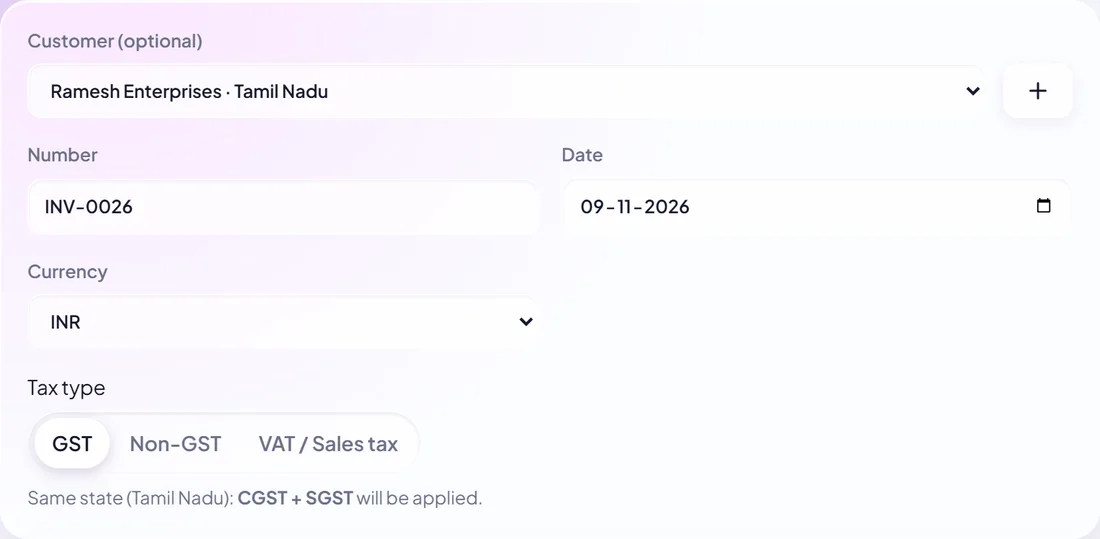
Choose GST and CGST, SGST or IGST is worked out for you. Choose Non-GST and you get a clean bill with no tax.
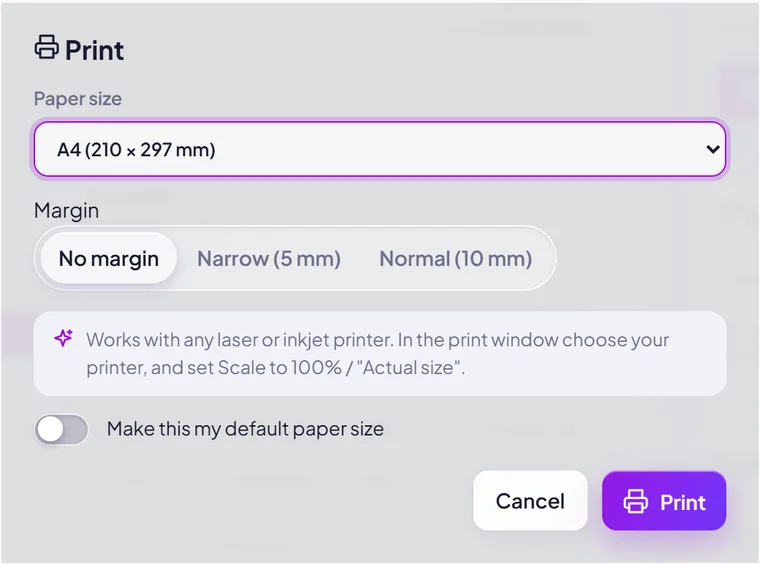
A4, A5, Letter, thermal 58 and 80 mm, even dot-matrix. Choose the size and margin, and it fits.
Yes. Download the XLSX file and use it as you like.
Yes. Upload it to Google Drive and open it with Google Sheets.
Supplier name, address and GSTIN, a unique serial number, date, customer details and GSTIN (for B2B), place of supply, HSN/SAC, quantity, taxable value, tax rate and amount, and a signature.
Yes. The free plan includes 10 invoices every month, and you can upgrade any time.
Free plan with 10 invoices every month. No card needed.