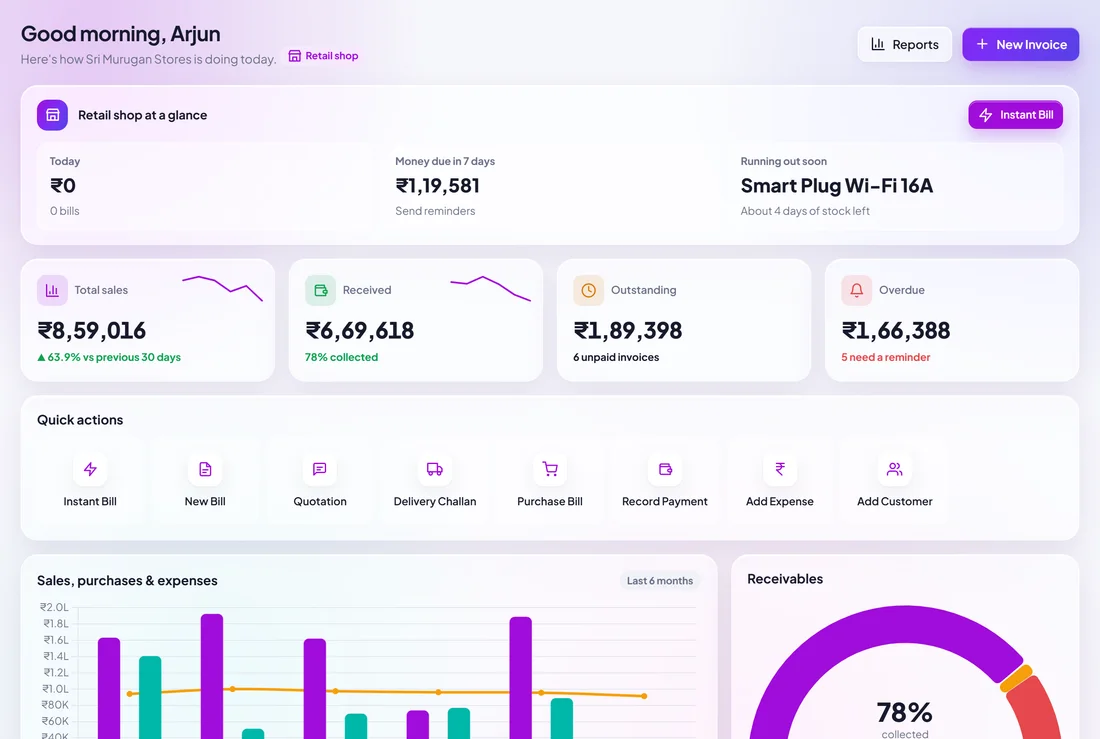
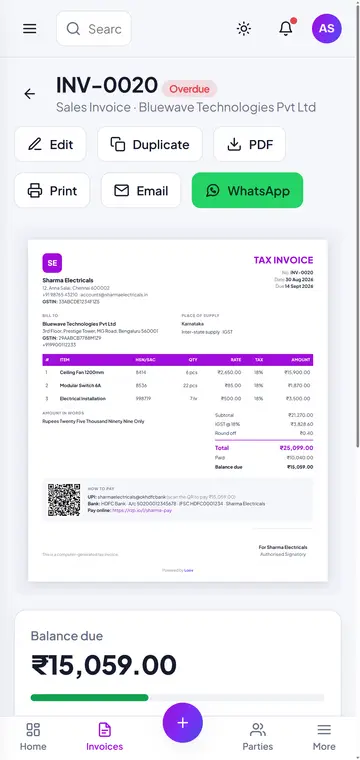
Android app
Free on Google Play.
Get the Loov Invoice app free on Google Play for your phone or tablet. On a computer, install it straight from Chrome or Edge. One account works everywhere.
Android phone or tablet: open Google Play, search for Loov Invoice and tap Install. Sign in with your email; a one-time code is sent to you, so there is no password to remember.
Windows PC, laptop or Mac: go to loovinvoice.in, log in, then click the Install icon in Chrome or Edge’s address bar. Loov Invoice opens in its own window with a desktop icon, just like downloaded software, and updates itself.
iPhone and iPad: there is no iPhone app. Use Loov Invoice in Safari with the same account.
Yes. The free plan never expires and includes 10 invoices a month, all 18 templates, GST and Non-GST bills, UPI QR codes and WhatsApp sharing. Pro, for unlimited invoices and more, starts with a 14-day free trial.
Free on Google Play.
One click from Chrome or Edge.
Keeps billing without internet.
Updates itself; nothing to back up by hand.
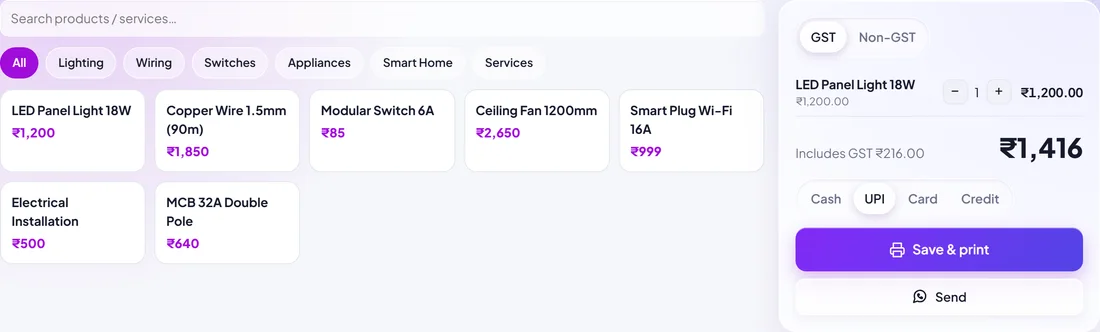
Tap items, choose Cash, UPI, Card or Credit, then print or send. Customer name is optional, and stock updates on its own.
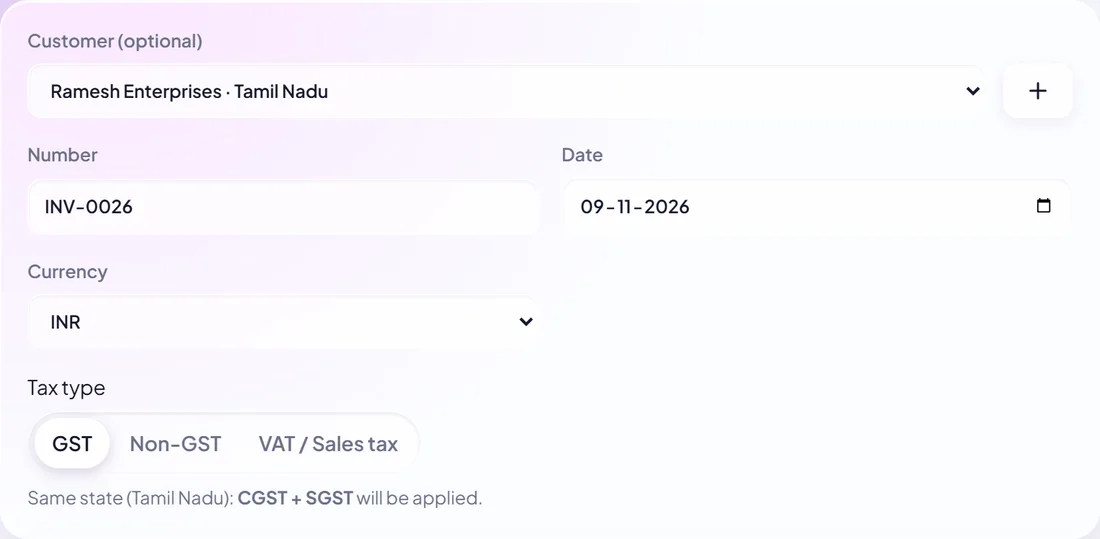
Choose GST and CGST, SGST or IGST is worked out for you. Choose Non-GST and you get a clean bill with no tax.
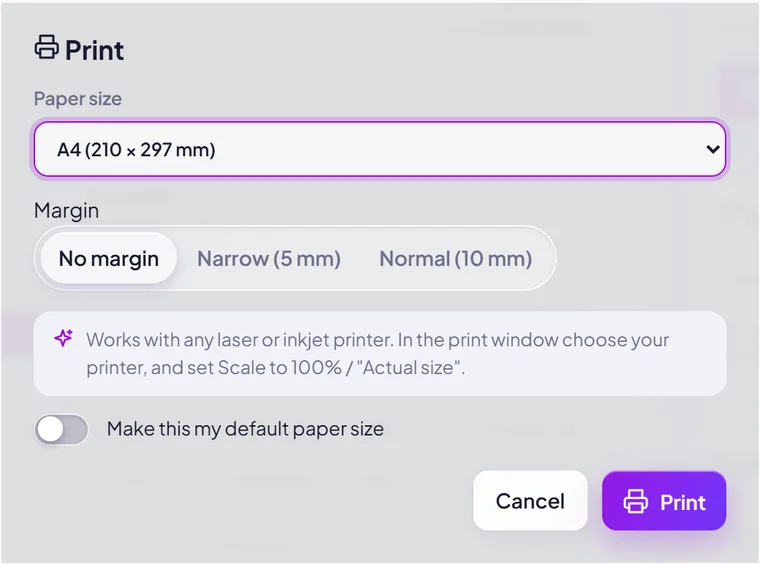
A4, A5, Letter, thermal 58 and 80 mm, even dot-matrix. Choose the size and margin, and it fits.
On Google Play for Android. On a computer, install it from Chrome or Edge at loovinvoice.in. On iPhone, use it in Safari.
The free plan has every feature needed to bill, with 10 invoices a month. Pro removes the limit; there is nothing extra to download.
Yes. The Android app is published on Google Play by Loov Company, Coimbatore.
Yes. Keep billing offline, and your data syncs when you are back online.
Free plan with 10 invoices every month. No card needed.