Invoicing software for VAT and international businesses
Bill customers in their own currency with VAT or sales tax, your tax registration number and international number formats, then get paid by payment link or bank transfer.
Made for growing businesses outside India too
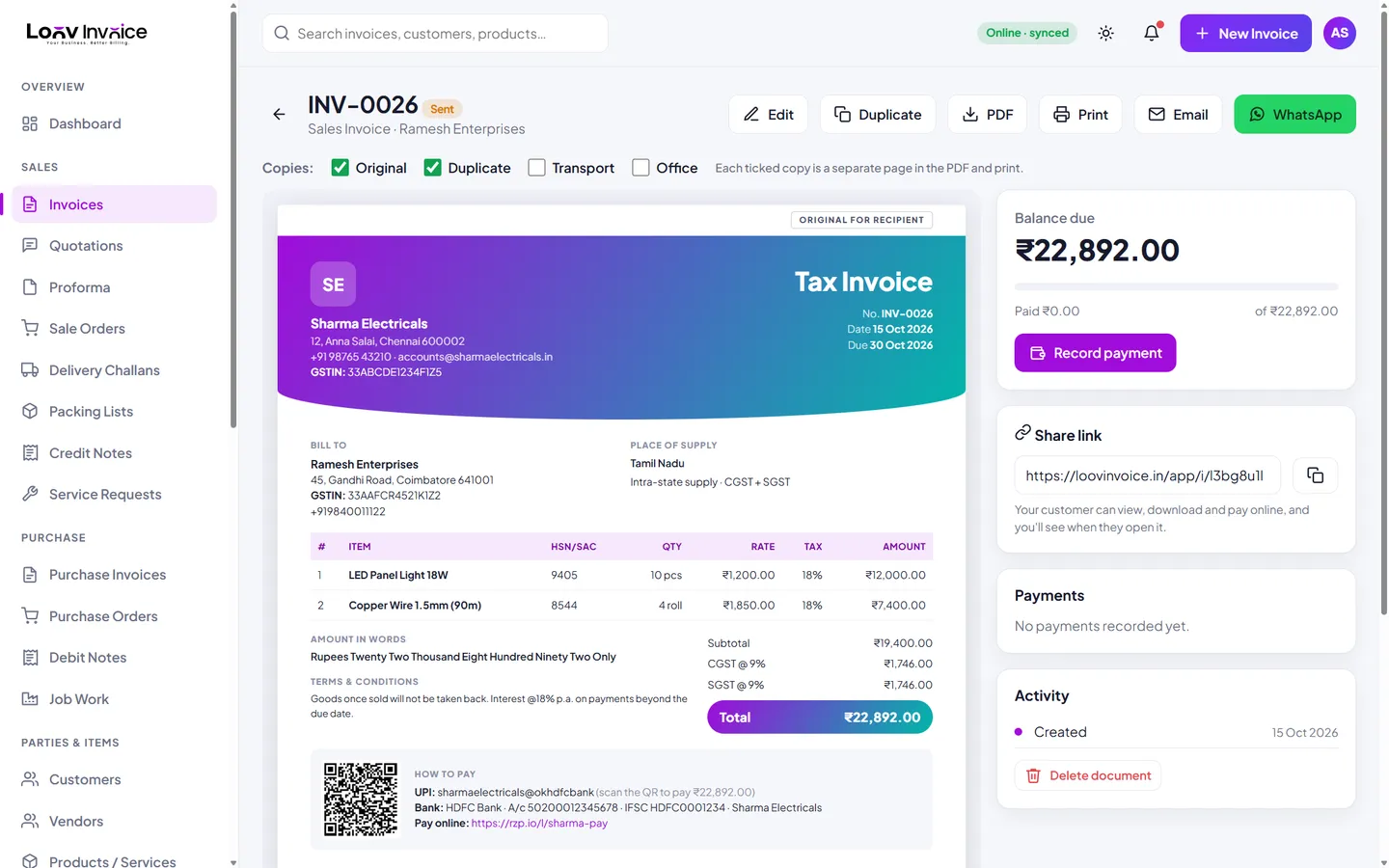
Choose VAT / Sales tax as the tax type to issue VAT invoices, add your TRN or VAT number, and invoice in AED, SAR, GBP, EUR, SGD, AUD or USD. Exporters in India can also issue zero-rated export invoices in a foreign currency with the exchange rate recorded.
Fair local pricing
Plans are priced in your local currency. Outside India, Pro starts with a small introductory first month instead of a free trial.
Everything included
8 currencies
INR, USD, AED, SAR, GBP, EUR, SGD and AUD.
VAT and sales tax
Rates per line with a VAT summary.
Payment links
Razorpay, PayPal or Stripe links on invoices.
Every device
Web, Android, Windows, macOS and Linux.
How to do it in Loov Invoice
- Sign up and choose your country.
- Set your currency, VAT number and payment link.
- Create invoices with VAT.
- Share by email or WhatsApp.
Frequently asked questions
Is Loov Invoice certified for e-invoicing in my country?
Loov Invoice creates standard PDF VAT invoices. If your country requires a specific e-invoicing format or portal, check with your accountant before relying on any tool.
Start free. Your first invoice takes about a minute.
Free plan with 10 invoices every month. Pro is free for 15 days in India, with no card needed.