Send invoices and payment reminders on WhatsApp
Your customers already live on WhatsApp. Send each invoice with a secure link and a UPI QR, and let polite reminders chase late payments for you.
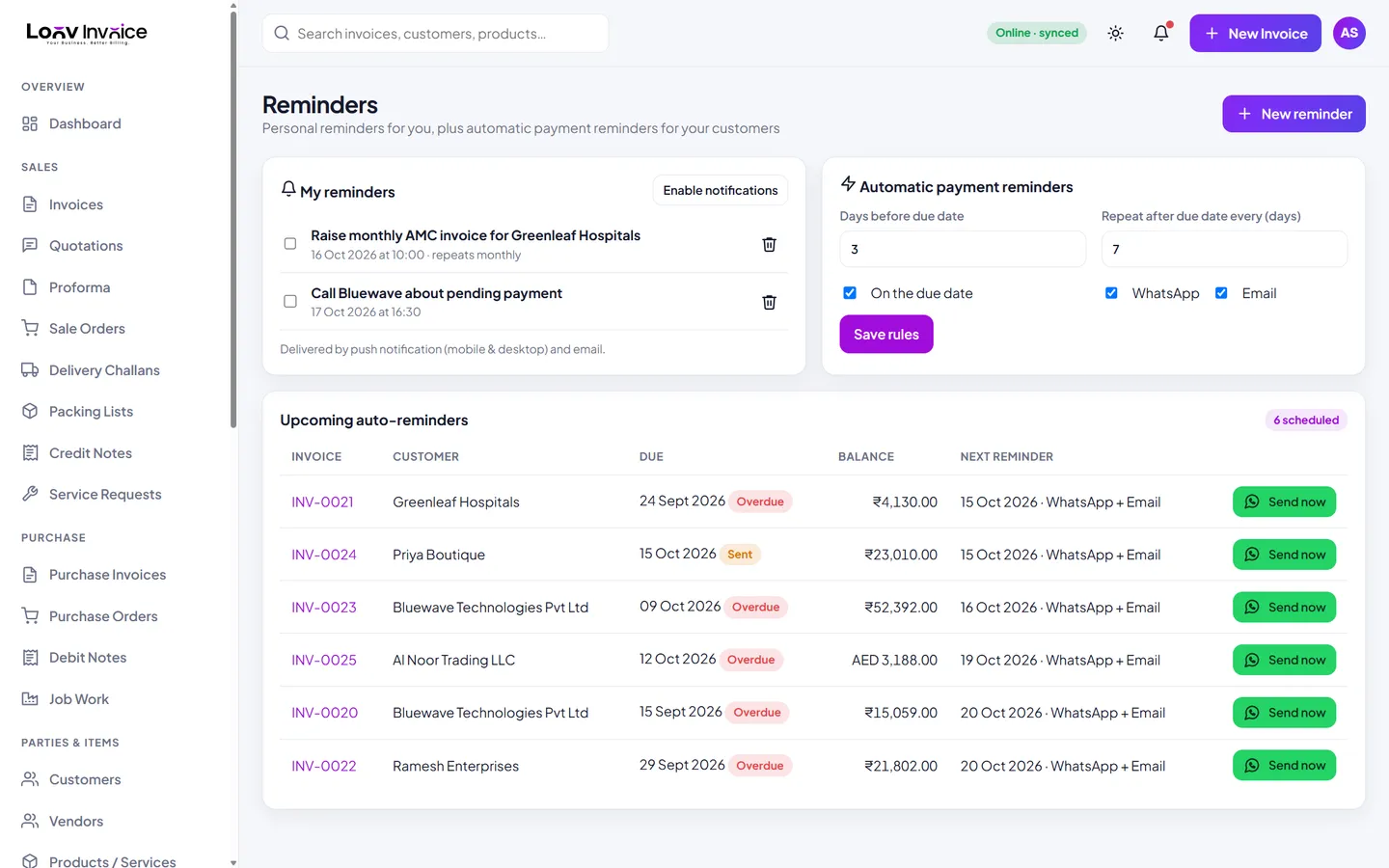
How sharing works
Click WhatsApp on any invoice and the message is ready, with the amount, due date, a link to view and download the invoice, and your UPI and payment link. Choose which of your business numbers to send from: sales, accounts or a branch.
Reminders that sound like you
Set reminders a few days before the due date, on the due date and every few days after. Each reminder states the balance and the days overdue, with the link to pay, and stops automatically once the invoice is paid.
Everything included
Multiple WhatsApp numbers
Send from sales, accounts or branches.
Secure invoice links
Customers open them on any phone; you see when they do.
Automatic reminders
Before, on and after the due date.
Receipts on WhatsApp
Thank customers with a payment receipt.
How to do it in Loov Invoice
- Link your WhatsApp numbers in Settings.
- Open an invoice and click WhatsApp.
- Check the message and send.
- Turn on automatic reminders for unpaid invoices.
Frequently asked questions
Do I need the WhatsApp Business API?
No. Messages open in your own WhatsApp ready to send. Fully automatic sending through the WhatsApp Cloud API is available on the Business plan.
Can I also send by email?
Yes. Every invoice, reminder and receipt can be emailed as well.
Start free. Your first invoice takes about a minute.
Free plan with 10 invoices every month. Pro is free for 15 days in India, with no card needed.