Inventory that updates itself every time you bill
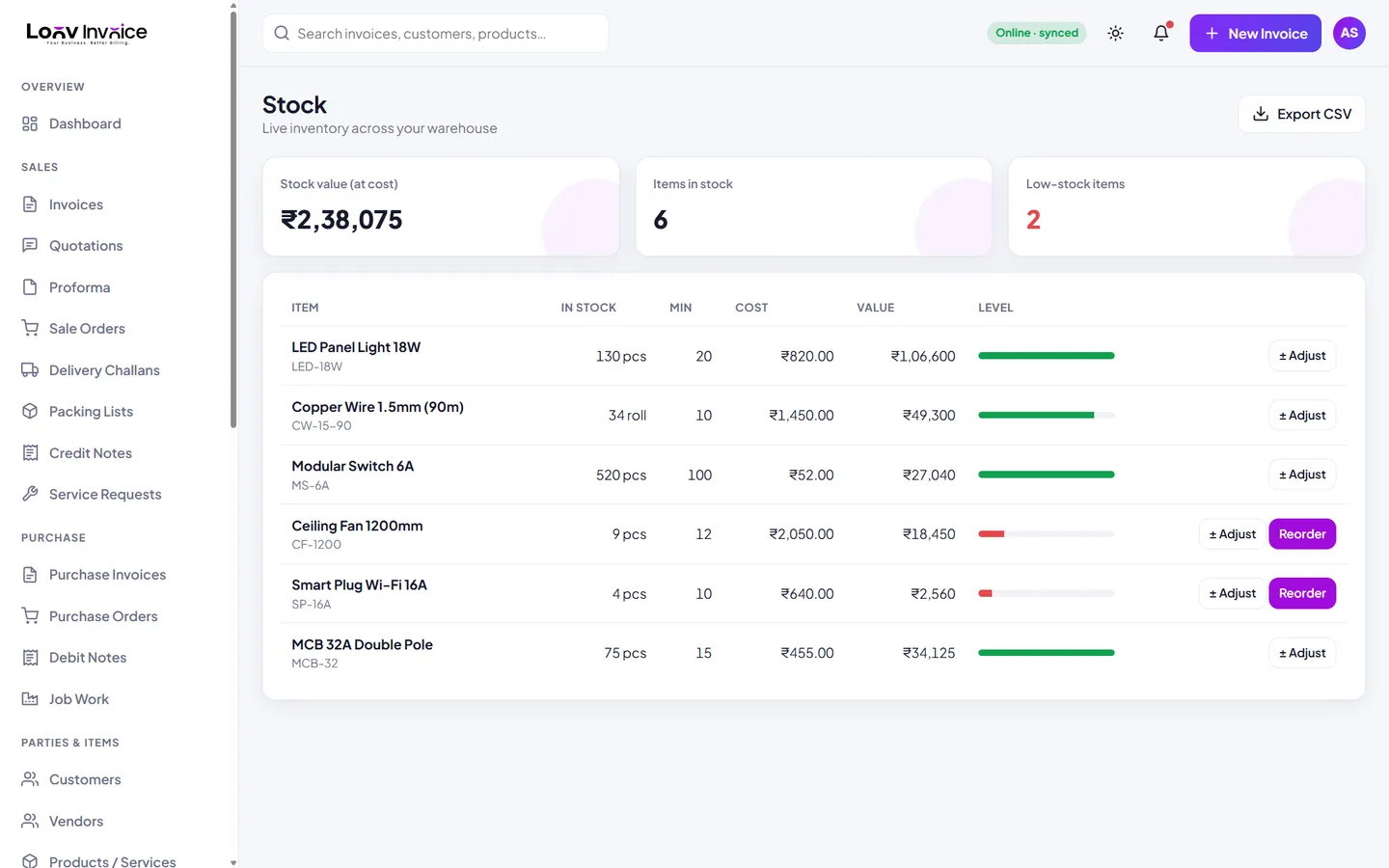
Every sales invoice reduces stock and every purchase bill adds it back. See what is running low, print barcode labels and reorder in one click.
Why connect stock and billing?
When stock lives in a separate spreadsheet, it is always out of date. Loov Invoice updates quantities the moment you save an invoice or a purchase, so you can trust the numbers when a customer asks if something is in stock.
Built for shops, wholesalers and small manufacturers
Group products, keep cost and selling prices, set minimum levels, create price lists for retail, wholesale and dealer customers, and record simple manufacturing that turns raw materials into finished goods.
Everything included
Live stock levels
Updated by every sale and purchase.
Low-stock alerts
On the dashboard and stock screen.
Barcodes
Print labels and scan items into invoices.
Price lists
Retail, wholesale and dealer rates.
Stock value
Total value at cost, and an export to CSV.
Purchase orders
Reorder low items in one click.
How to do it in Loov Invoice
- Add products with cost, price, HSN and minimum stock.
- Bill as usual: stock goes down automatically.
- Record purchases: stock goes up.
- Reorder anything that turns red.
Frequently asked questions
Can I scan barcodes?
Yes. Generate barcode labels for your products, and scan or type a barcode to add an item to an invoice.
Does it support services?
Yes. Services have no stock and can be billed by the hour or by the job.
Start free. Your first invoice takes about a minute.
Free plan with 10 invoices every month. Pro is free for 15 days in India, with no card needed.