Running bills in Excel
Save materials and work items once, and reuse them on every bill.
Bills that show the project, work order and RA number your clients expect, with your materials and work items ready to pick.
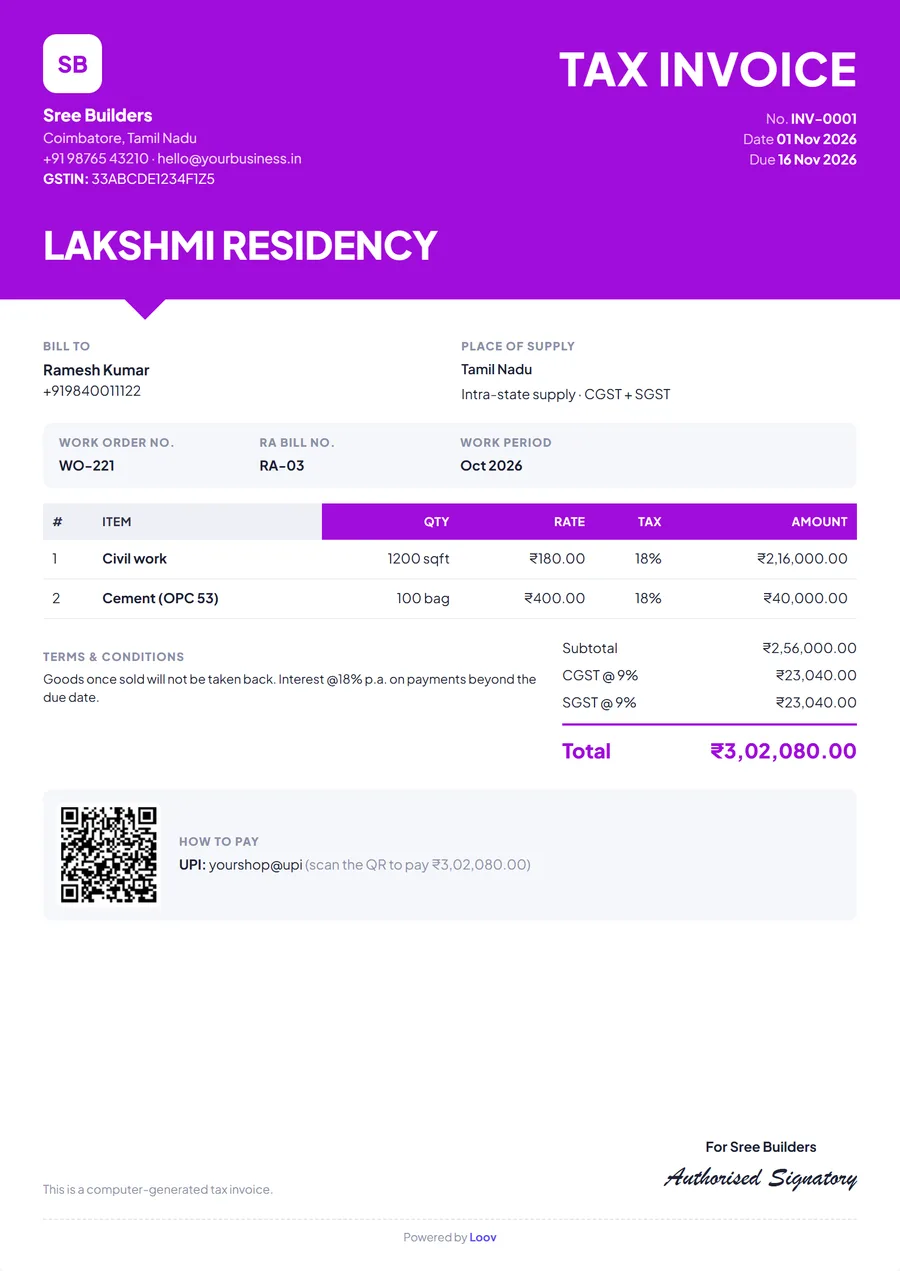
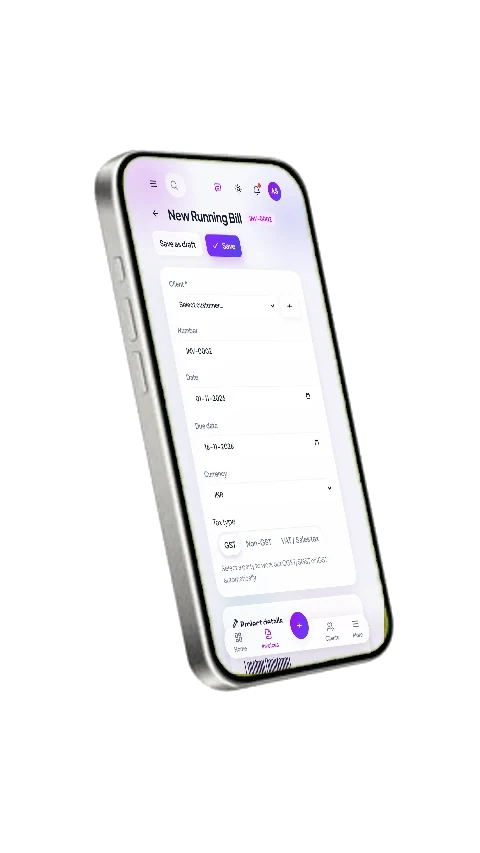

Bills that show the project, work order and RA number your clients expect, with your materials and work items ready to pick.
What construction deal with every day, and how Loov Invoice helps.
Save materials and work items once, and reuse them on every bill.
Project, work order, RA number and period print on the bill.
Turn a quotation into an invoice in one tap.
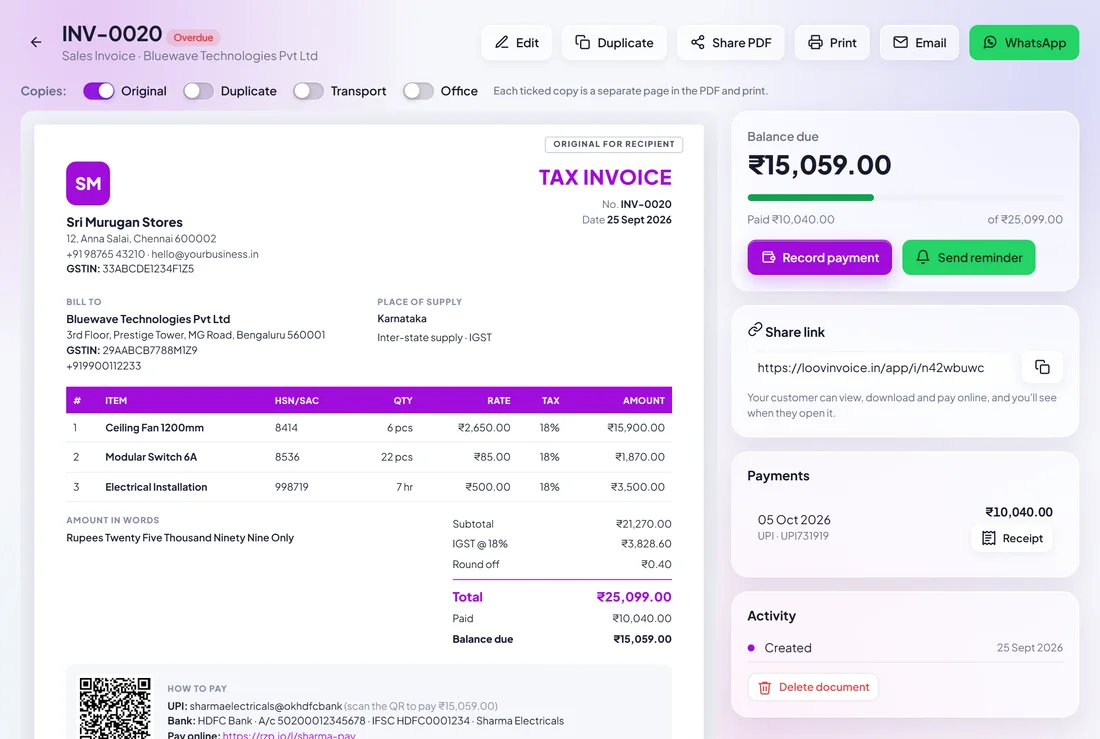
Record part payments and see the balance on each bill.
Project or site, work order, RA bill number and period.
No retyping.
Your project title in big type across the top.
Balance and receipts for every stage.
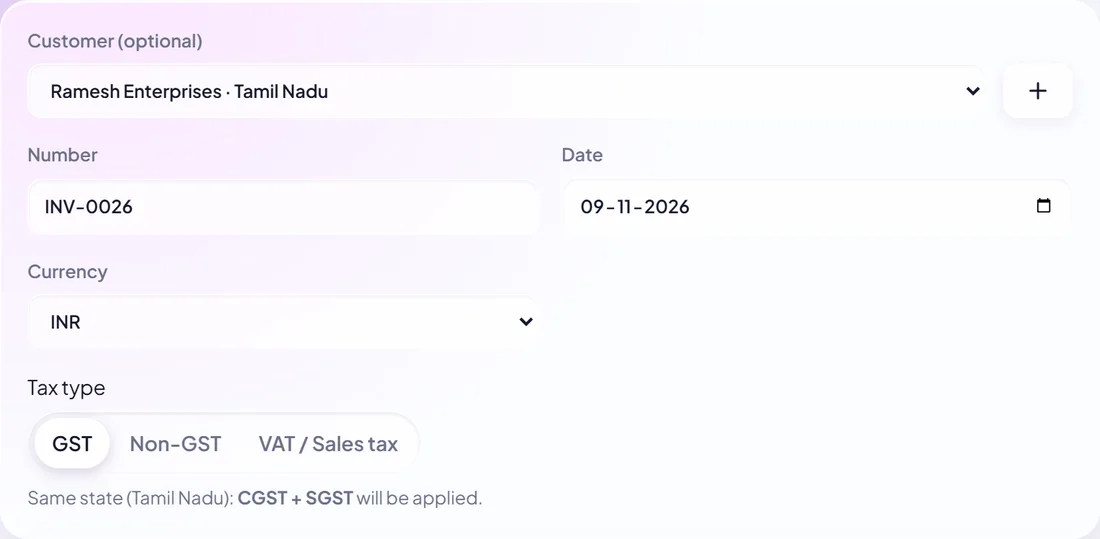
Choose GST and CGST, SGST or IGST is worked out for you. Choose Non-GST and you get a clean bill with no tax.
Every bill carries a UPI QR for the exact amount. Record the payment, and a numbered receipt is ready to send.
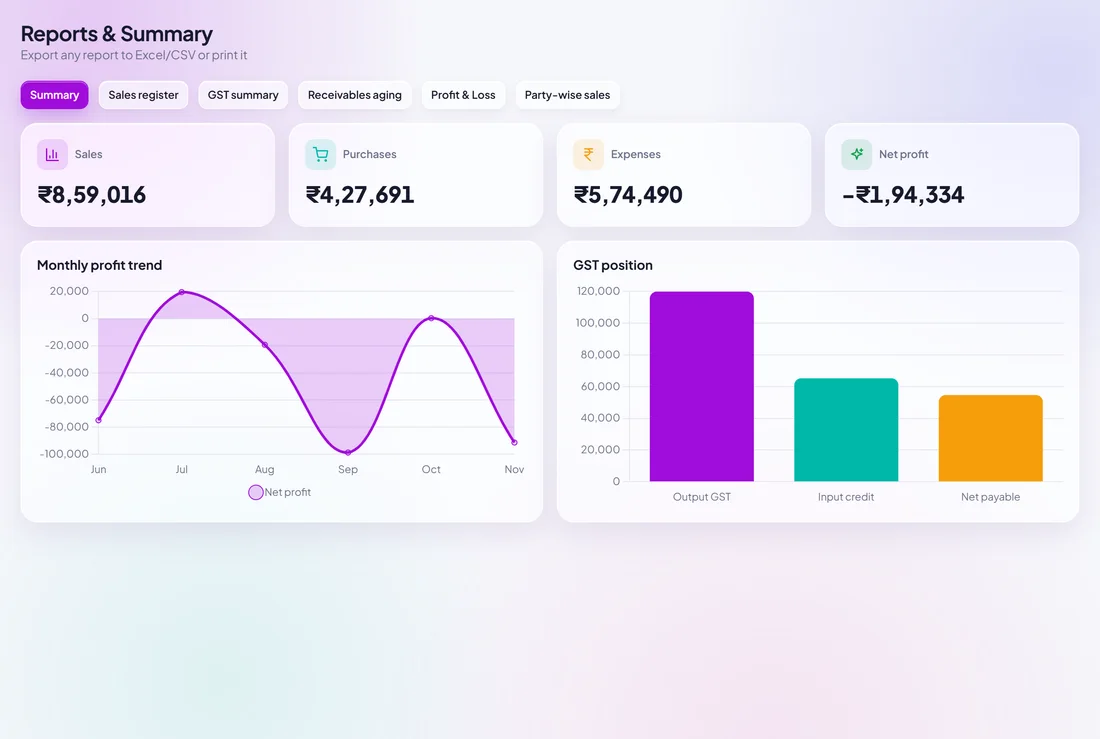
Sales, purchases, profit, dues and GST summary, ready for your accountant.
No extra columns to confuse your customer. The paper size is set for your trade too, and you can change it any time.
Pick Construction when you sign up. Menus and bill fields set themselves.
Sample items for your trade are added. Edit the prices or import your list from Excel.
Fill in only what your trade needs, and switch GST on or off.
Print on your printer, or send it on WhatsApp with a UPI QR.
| Paper bill book | General software | Loov Invoice | |
|---|---|---|---|
| Time for one bill | Several minutes | Many fields to fill | Seconds |
| Fields made for your trade | You write them by hand | Usually one form for all | Yes, set by business type |
| GST and Non-GST | Calculated by hand | Often a separate setting | One switch on every bill |
| Stock updates | Counted by hand | Sometimes | On every sale |
| Send on WhatsApp with UPI QR | No | Sometimes | Yes |
| Works offline | Yes | Often no | Yes, syncs later |
Look for one that matches how you work. Loov Invoice sets up its menus, bill fields and paper size for your trade when you choose your business type.
Yes. The free plan includes 10 invoices every month. Pro adds unlimited invoices, reminders and your own footer branding, and is free for 14 days.
Yes. Every bill has a GST / Non-GST switch, so you can choose per bill. Businesses outside India get VAT or no-tax instead.
Yes. You can keep billing offline, and your data syncs when you are back online.
Android, and any web browser on a computer, iPhone or iPad. Log in with the same account everywhere.
Free plan with 10 invoices every month. Pro is free for 14 days.